Fixed game start
You set the time the game starts by itself. Students join in advance and the game starts without waiting.


For teachers
A ten-minute word game that costs nothing. Students play on their phones without registration, you run the game and choose the categories to match the lesson. For lessons without devices there is a paper version.
Create a game for the class Free printable PDF
You turn these on in the advanced options when creating a game. The teacher logs in, the students don't.
You set the time the game starts by itself. Students join in advance and the game starts without waiting.
Students choose a nickname and you can tell who is who.


You end the rounds and decide on doubtful words.
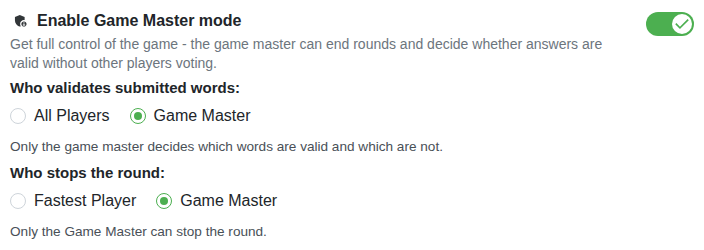
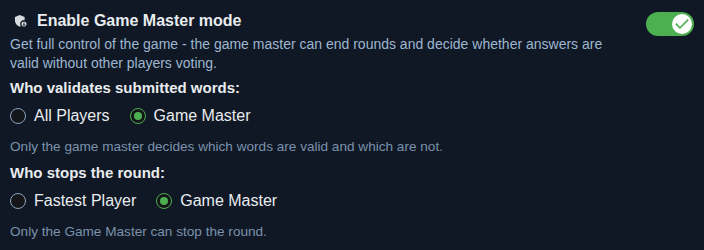
So that students who don't write don't hold the game up and everybody has the same amount of time, set a fixed time for the round. The round ends when the time runs out and you move on together.


The lesson won't run longer because of students who don't confirm the results.


Part of the class plays, the rest watches and votes. More about the live game.


No. They join with a link or a QR code. A teacher who wants the advanced features logs in.
Play in pairs, or turn on the live game: part of the class plays and the others vote. For lessons without devices there is a paper version.
Yes, you add your own categories or choose them from the catalog. For paper there is the PDF generator.
Yes, the game has ads that help with the running costs.