Game manager mode
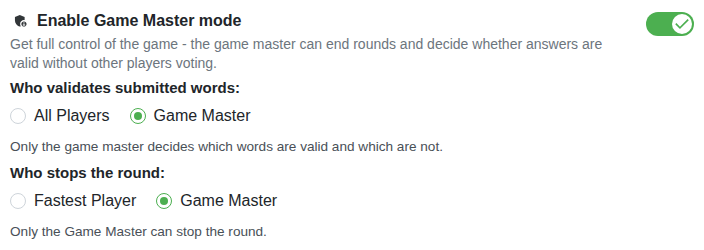
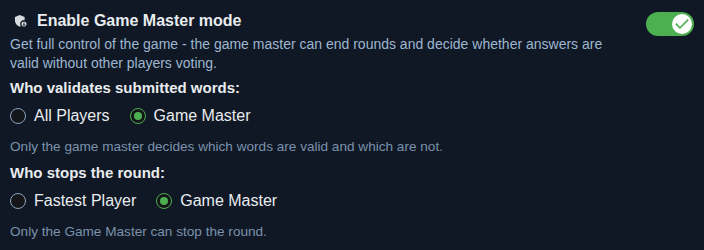
The manager decides when a round ends and which answers are valid. The game is smoother and easier to follow. Good for teachers, parents and teams. Available to registered players.
Multiplayer game
Play Categories game, also known as Guggenheim or Scattergories online: create a game, send your friends the link or QR code and play. No installation, no account. Nobody to play with? Play against robots. Sitting together at a table? We have an offline version to print on paper too.
Create a game Free printable PDF
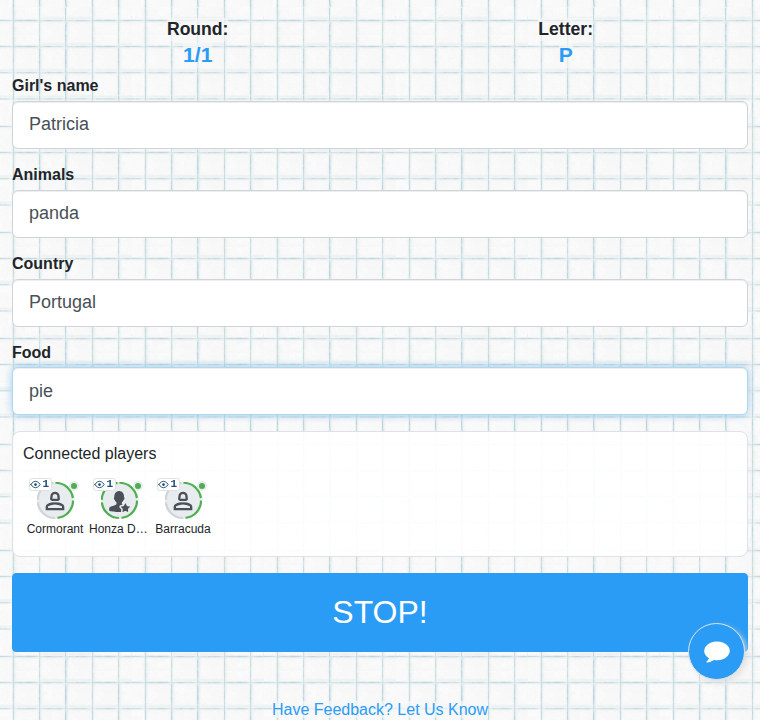
A round starts when the game draws a letter. Then you only write: for every category a word that starts with that letter. Whoever finishes first presses STOP.
From choosing categories to the results of the game.
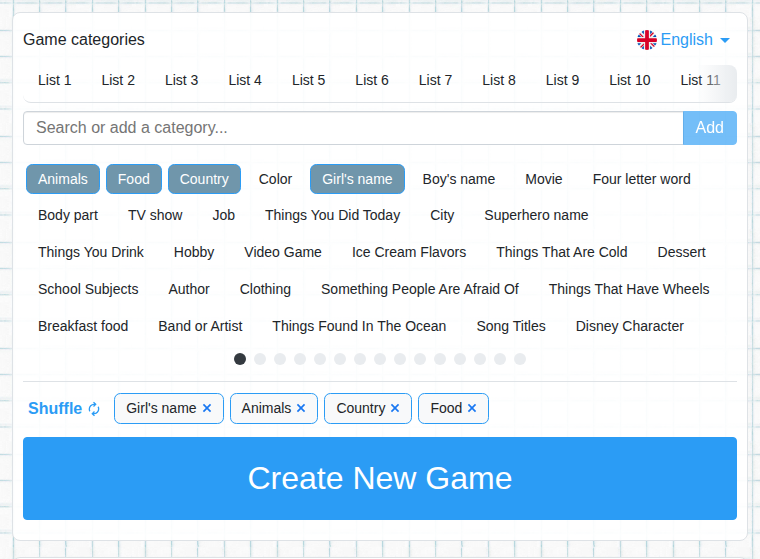
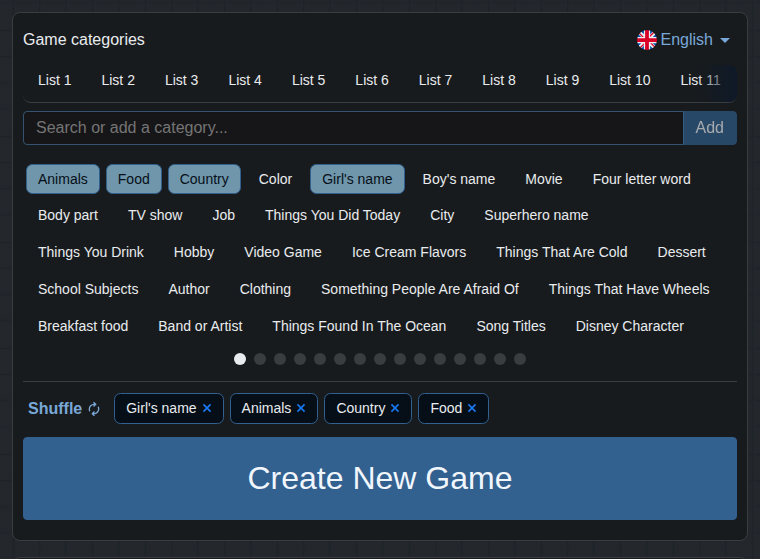
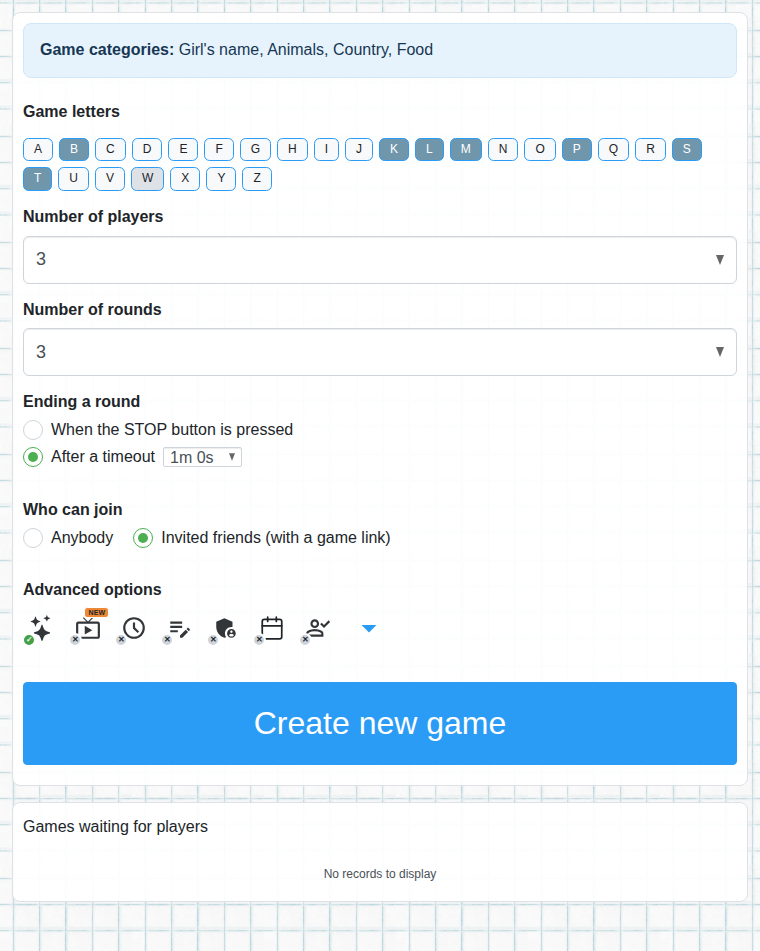
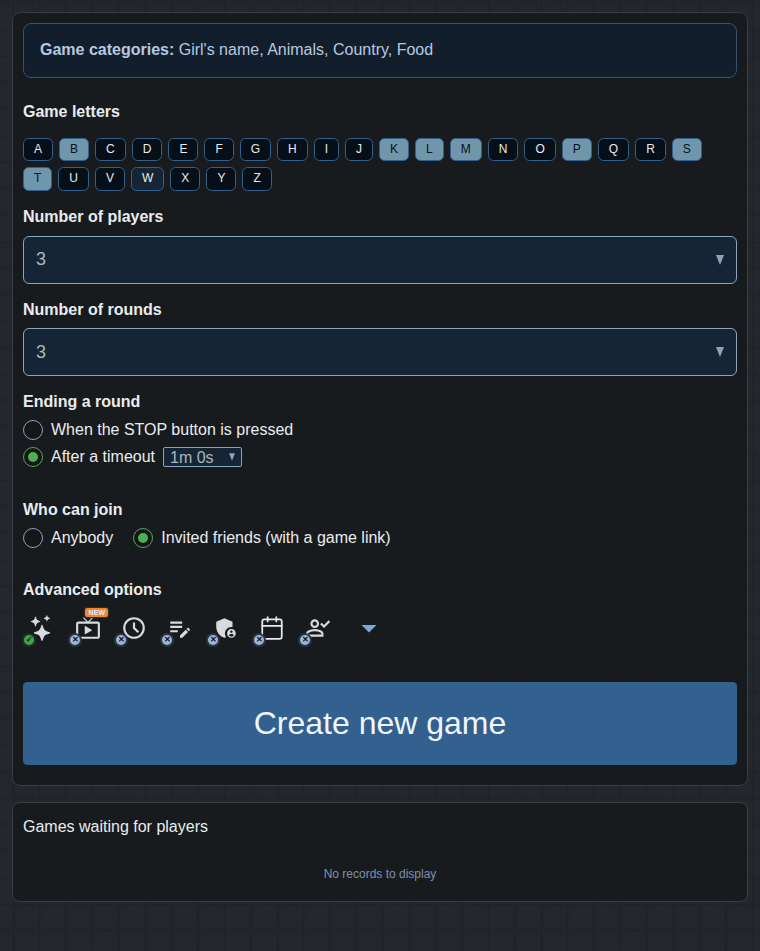
The New game page has ready-made categories. You can search for them, add your own, or press Shuffle to pick random ones. A game can have 3 to 12 categories. You can find inspiration in the catalog.
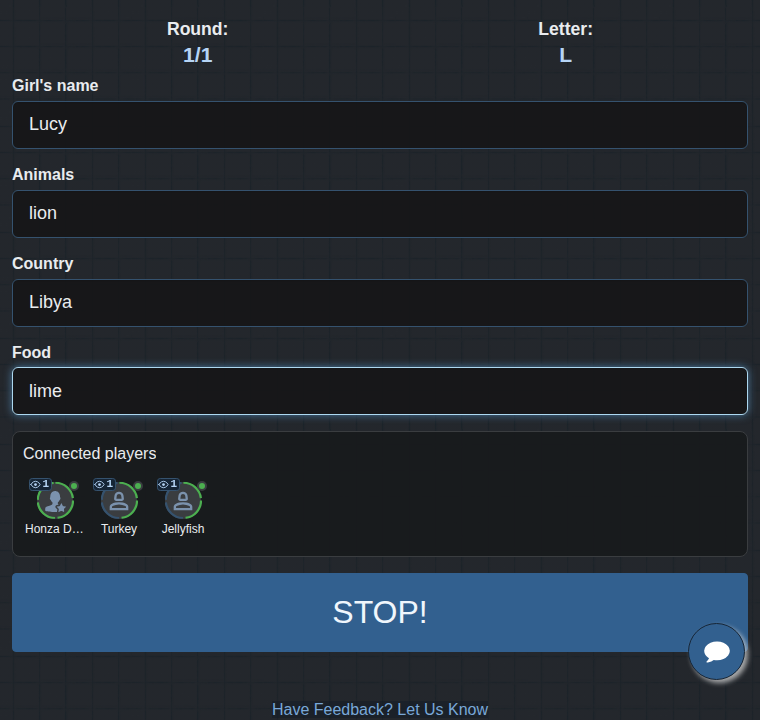
After the start you see the letter of the round and a field for every category. Next to the players' names you can see who is already writing. The round ends with the STOP button, or when the time limit runs out, if you turned it on.
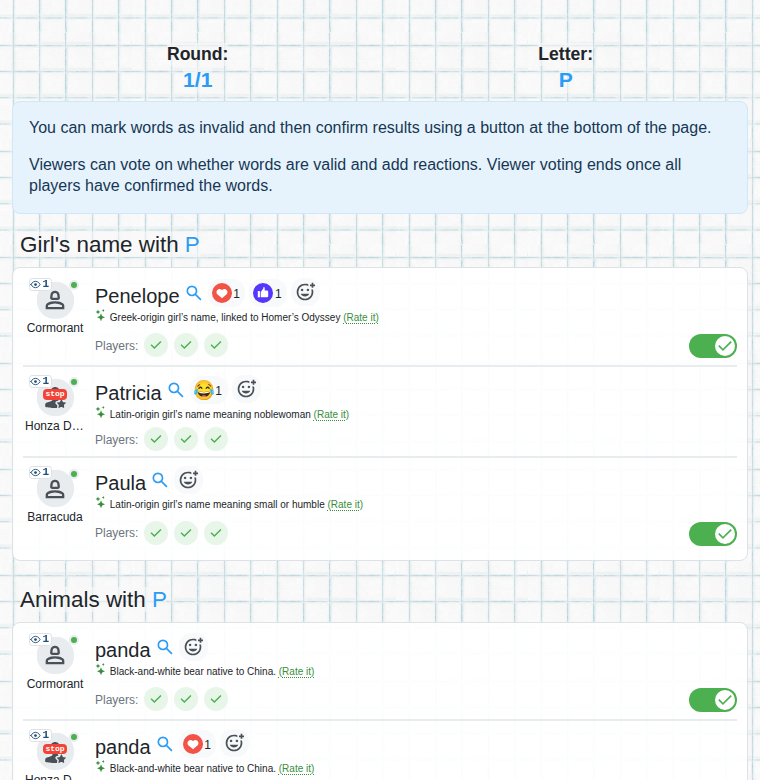
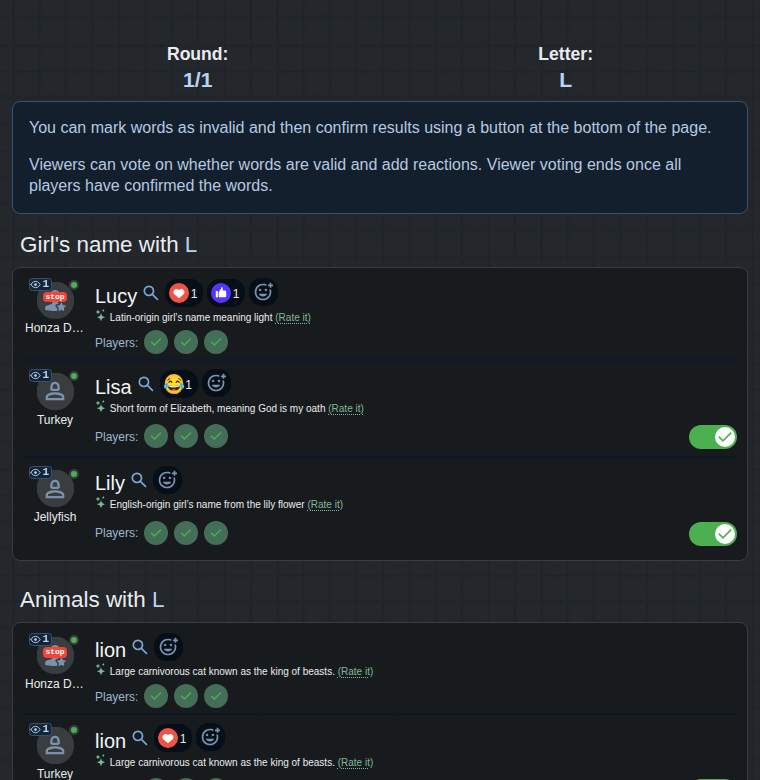
After the round everybody's answers are shown. You mark words that don't belong in the category as invalid. A word marked by most of the players doesn't count. For common words, an AI description helps you decide.
After the last round the points are added up and whoever has the most wins. Registered players are written into the hall of fame.
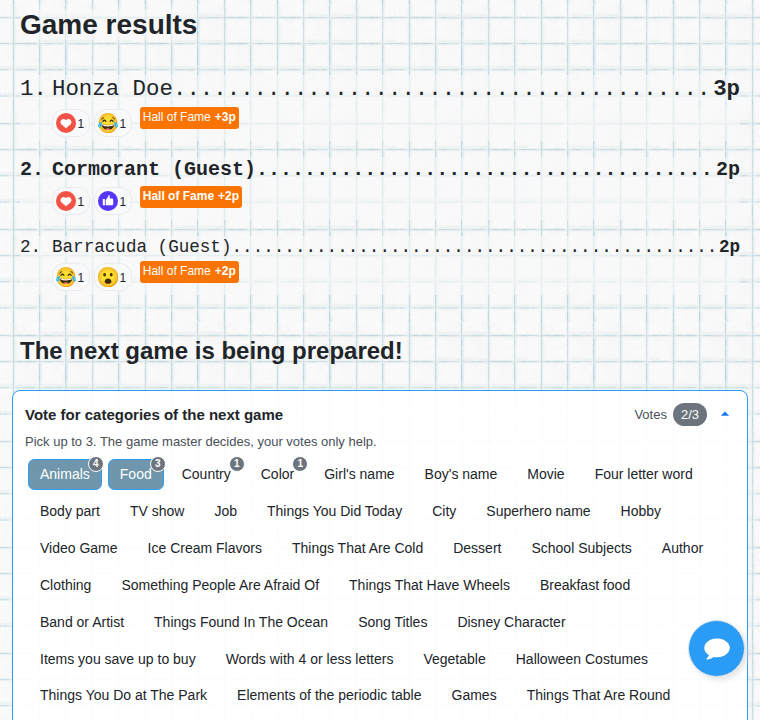
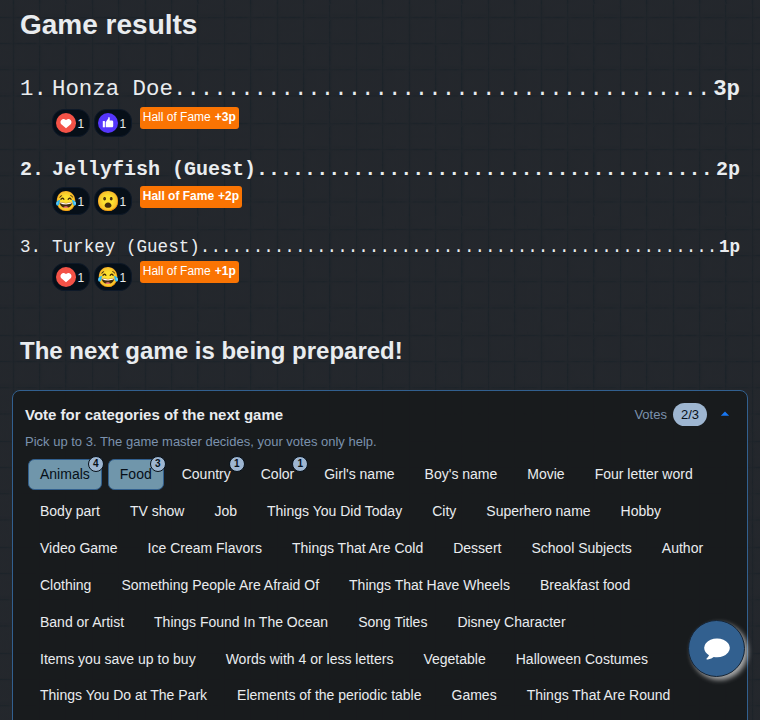
After the game you can vote on which categories will be played next. The game manager decides, your votes help them.
Nobody to play with? Add a robot. It uses words other players have already written and that were accepted. Or play right away.
A link or a QR code is enough. The game is ready right after you create it.
The game exists in 48 languages and each has its own categories. You choose the language when creating the game, no registration needed.
You can leave the basics as they are. The advanced options are useful when you need to control the game more.
The manager decides when a round ends and which answers are valid. The game is smoother and easier to follow. Good for teachers, parents and teams. Available to registered players.
You create the game in advance and set the time it starts by itself. Players can join early. For teaching, team building, workshops and company events.


Players who are not logged in can choose their own nickname instead of a random one. Available for private games only. For classes and groups that know each other.


Only logged-in players can join. For private or organized games.


A round can end with the STOP button, or when the time limit runs out. It often happens that somebody ends the round too early and the others don't manage to write, which is boring for them. With a fixed time everybody has the same amount of time and the game is better for everyone.


The longest time the game waits for players to confirm the results. Inactive players can't hold the game up.


For common words it shows a short description and explains why the word does or doesn't belong in the category. The vote stays with the players.


Viewers can watch the game, vote on words and react. More about the live game.


No. You can play as a guest, a link to the game is enough. Logging in is useful for the advanced options: game manager mode, fixed start, registered-only games and being written into the hall of fame.
You set the number of players when you create the game. Players who are not logged in have a lower limit (currently up to 20 players and 6 rounds), logged-in players can have more.
After you create the game, a link and a QR code are shown. Send them to your friends so they can join from a phone or a computer, without installing anything.
Add a robot to the game, or play the game against the computer right away.
Yes. The game is free and has ads that help with the running costs.