Live game
The basic setting. Viewers get their own link and QR code, players join as usual.


For streamers and their fans
A game for streamers who want to involve their fans: you and your co-players write the words, viewers on their phones vote on every word and send reactions. It also works for competitions, in the classroom and at company events. No account and no installation.
Create a live game How to play online
You play in front of the camera, viewers join in right in the game: they vote and react.
Selected players play, the others cheer and decide on doubtful words.
Students play at the board, the rest of the class watches and votes on their phones. More for teachers.
A contest of teams in front of the whole company. More about team building.
From creating the game to the results: what the players do and what the viewers do.
When you create a game, turn on Live game in the advanced options. In the lobby you then see a special link for viewers and a QR code you can show on a projector or send to your viewers.
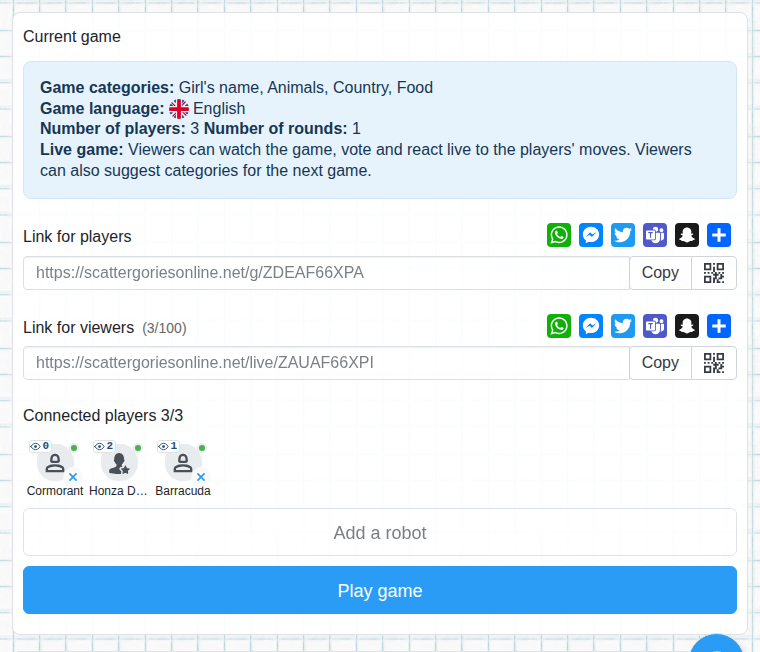
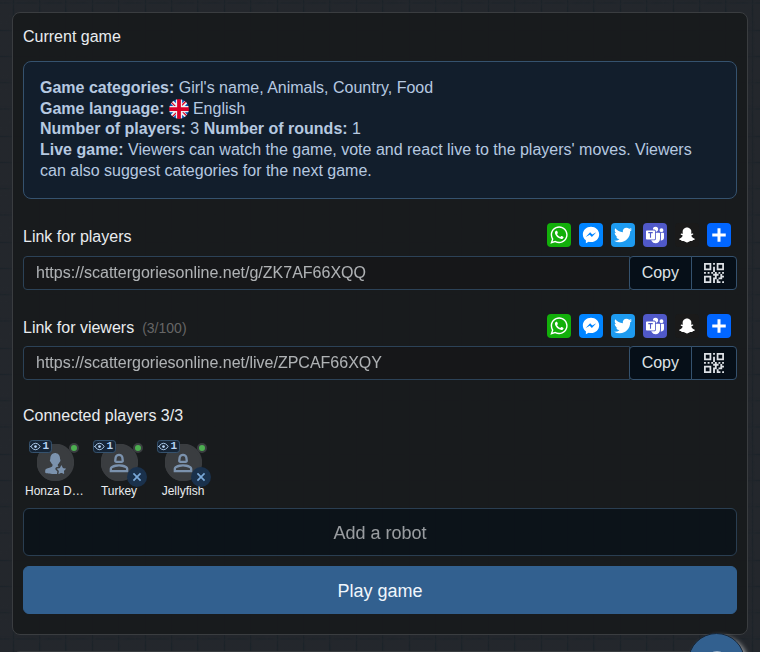

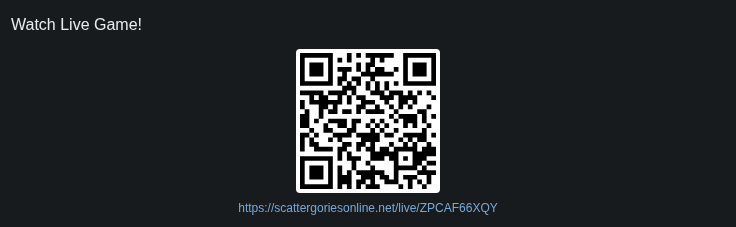
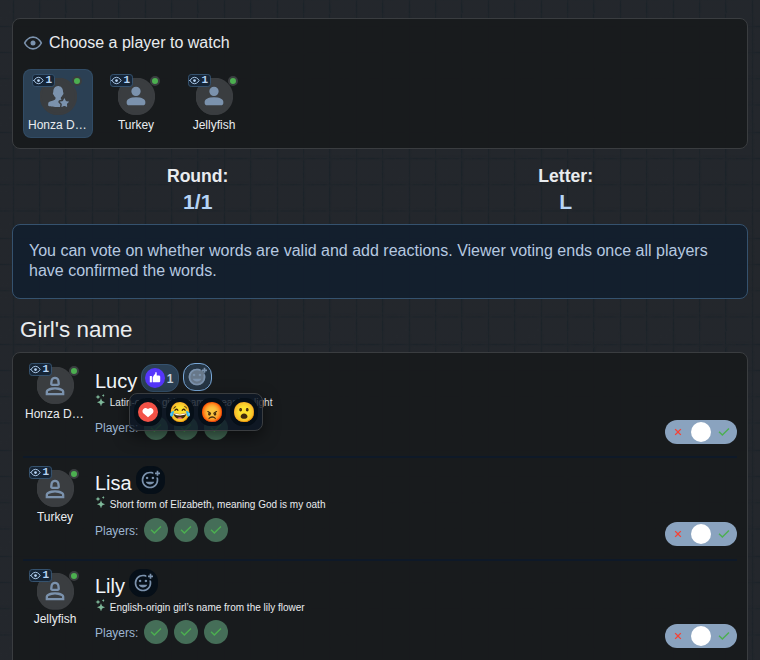
Anybody with the link or the QR code, with no registration and no app to install. Next to every player you see an eye with the number of people currently watching them.
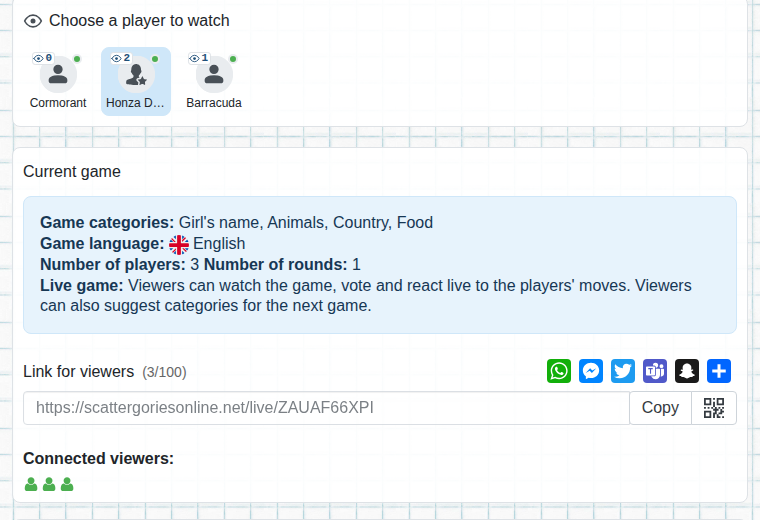
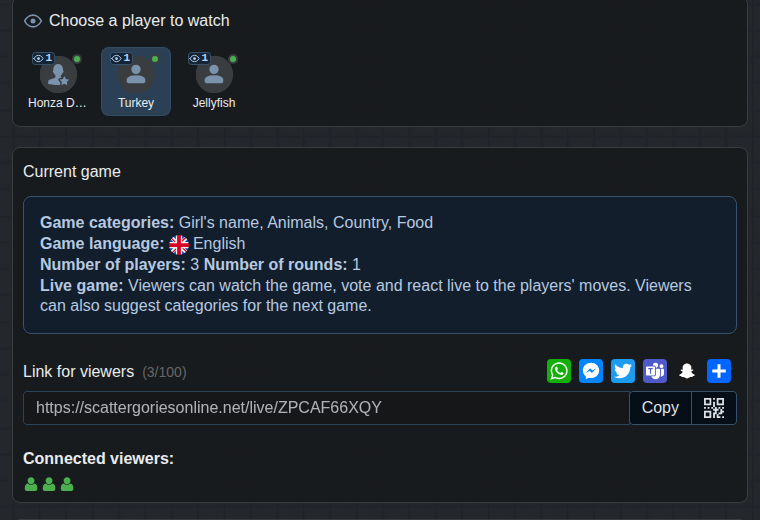
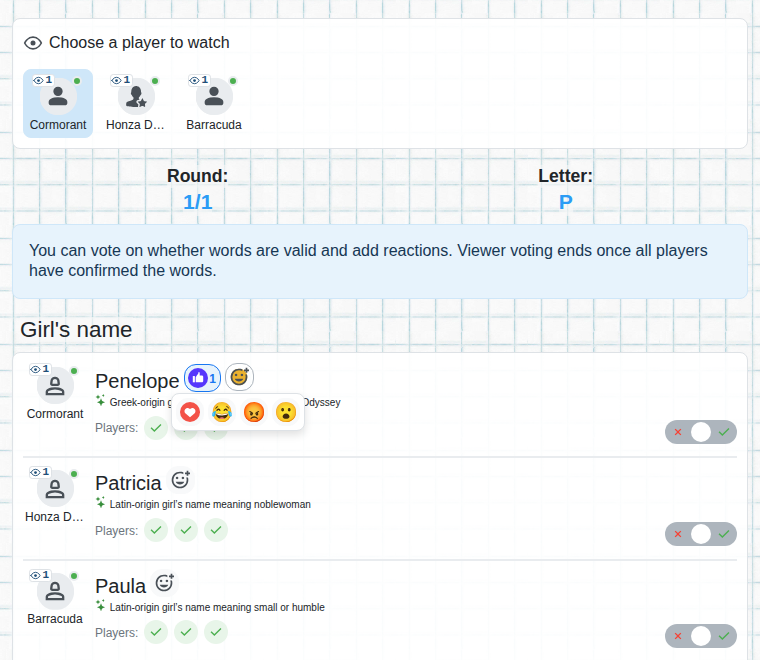
A viewer chooses a player to watch and sees what they write. They can support the player with a reaction.
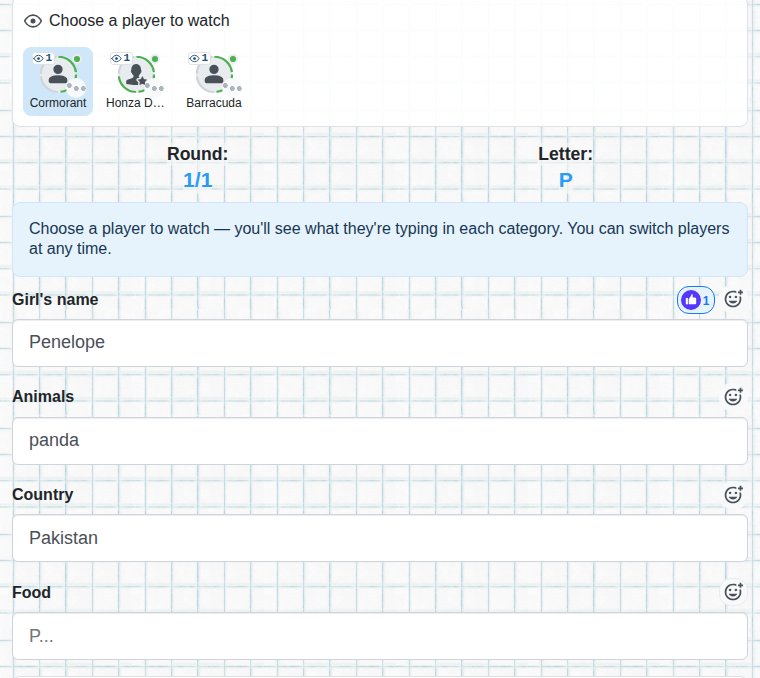
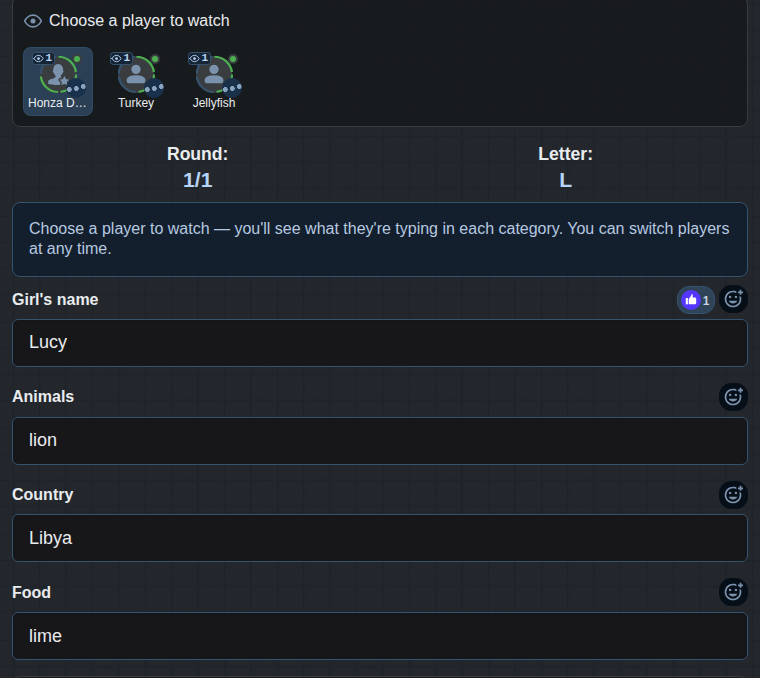
For every word, a viewer switches whether it is valid in their opinion. Players see the sum of the votes of all viewers next to each word, and viewers' votes are counted together with the players' votes, so they decide on the validity of words together.
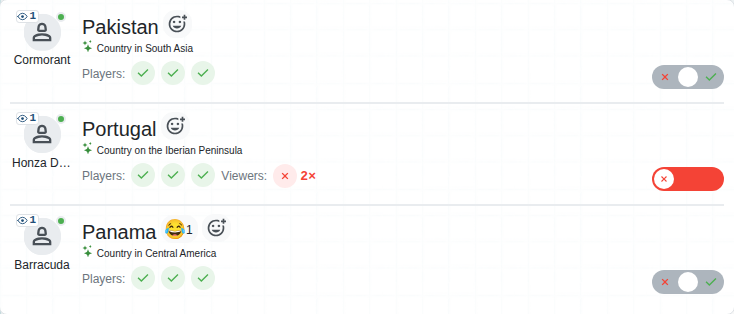
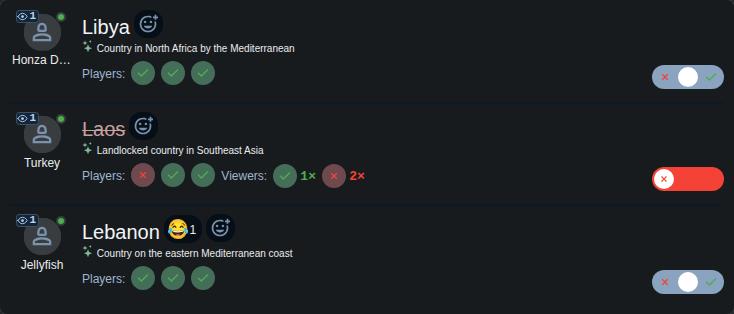
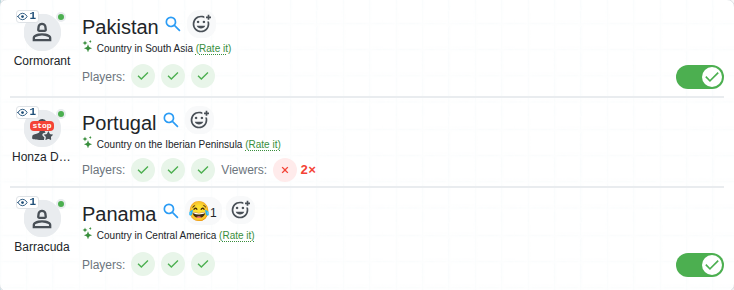
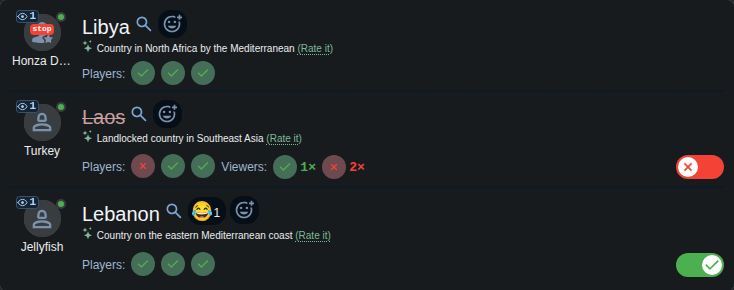
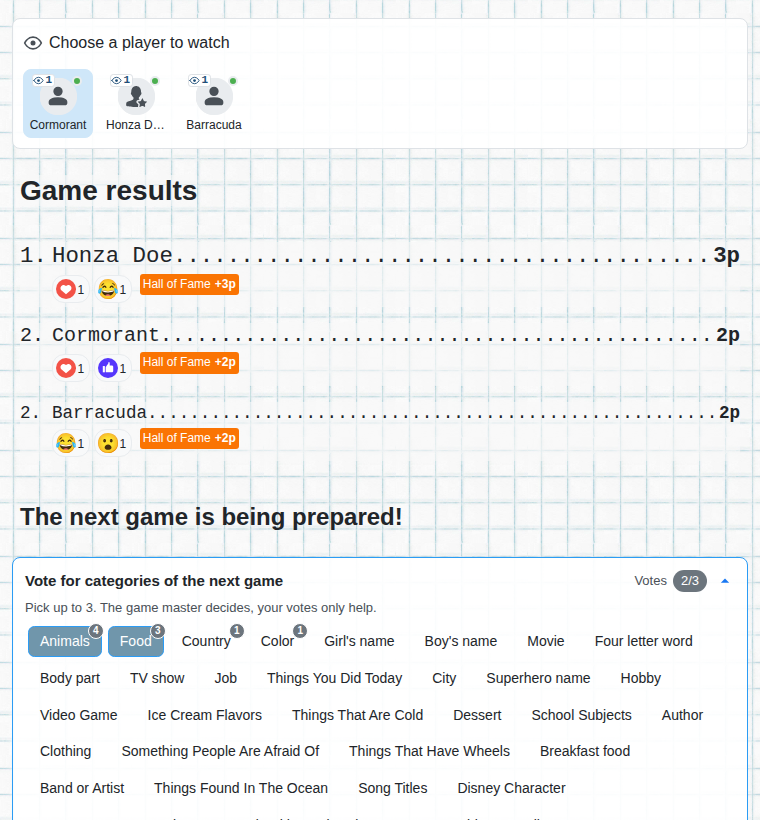
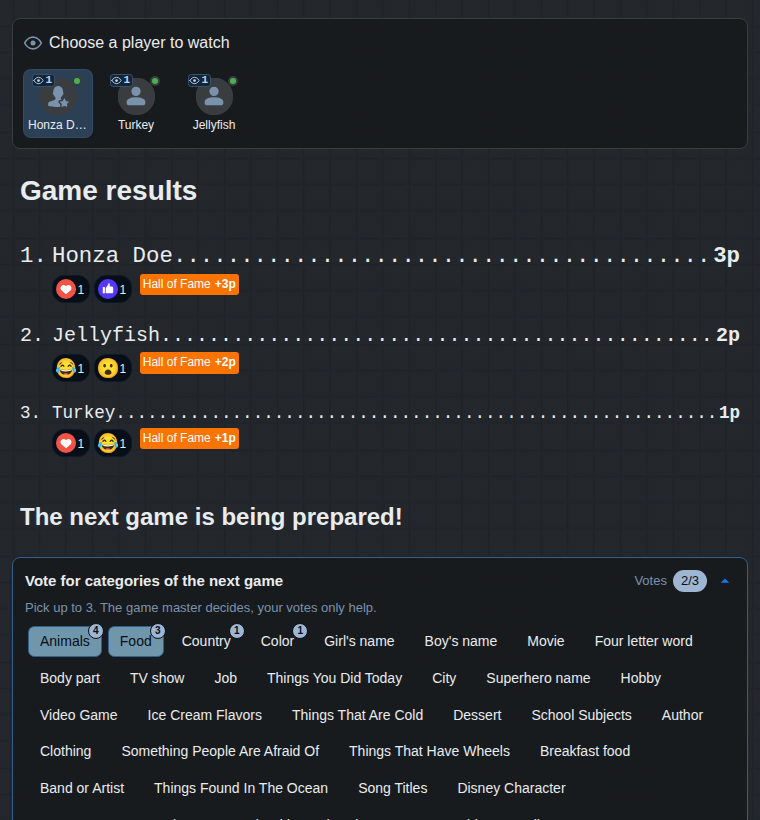
Viewers can add reactions to words: heart, laugh, thumbs up, anger, surprise. Players see them next to their words and next to their name in the results.
Viewers vote on the categories of the next game too. The game manager sees the votes of the players and of the viewers separately and together.
Only one setting is required, the others are useful when you want the broadcast to keep its pace. You find them in the advanced options when creating a game.
The basic setting. Viewers get their own link and QR code, players join as usual.
After a round the words are voted on. A time limit makes sure the stream doesn't wait for players or viewers who don't vote.


The round ends when the time limit runs out, not only with the STOP button. The broadcast has a predictable pace.


We limit the number of viewers for now, in one game and on one game server. The feature is new, so the limits are lower. If we see they are too low or too high, we will adjust them according to demand.
No. A link or a QR code is enough, viewers join from a phone with no registration.
Viewers' votes are counted together with the players' votes. If the game is run by a game manager, the viewers' votes are advisory and the manager decides.
Show the QR code or paste the link for viewers into the chat. Players play on the screen and viewers vote on their phones.
In the advanced options when creating a game (the option is called Live game).